


Sharkfin
A better way to find images on Mac
Free & open source
Local only, zero cloud
Crazy fast (seriously)
Search with natural language
Built macOS native
Surprisingly relevant. Search with natural language.

Relevant results in milliseconds. All on your device—no cloud.

Easy result filters, one click away. Filter by search scope or file type—right in the searchbar.

View file metadata. Everything you need to know, right where you need it.

Quick actions at your fingertips. Open, reveal, copy, and more—right from the searchbar.

Straightforward options. Customize app functionality and manage added directories without hassle.
How it works.
Download CLIP Models. One-time download of your preferred CLIP model, then you're good to go. Easily change models later.
Add directories. Images in these folders become searchable after indexing—and are automatically re-indexed when you move things around.
Search. Customize and use the global shortcut to activate Sharkfin—then search for something awesome.



Download CLIP Models. One-time download of your preferred CLIP model, then you're good to go. Easily change models later.
Add directories. Images in these folders become searchable after indexing—and are automatically re-indexed when you move things around.
Search. Customize and use the global shortcut to activate Sharkfin—then search for something awesome.
Liquid Glass. A look that's distinctly Mac.
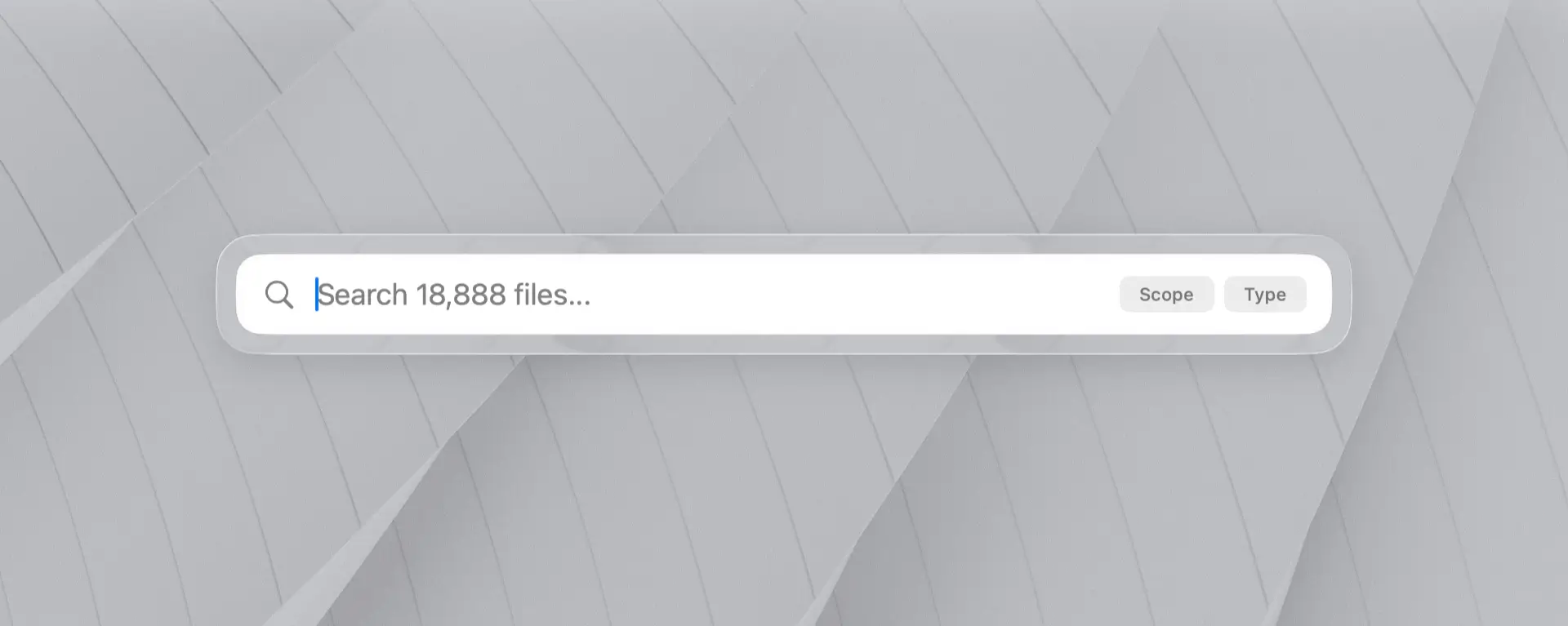
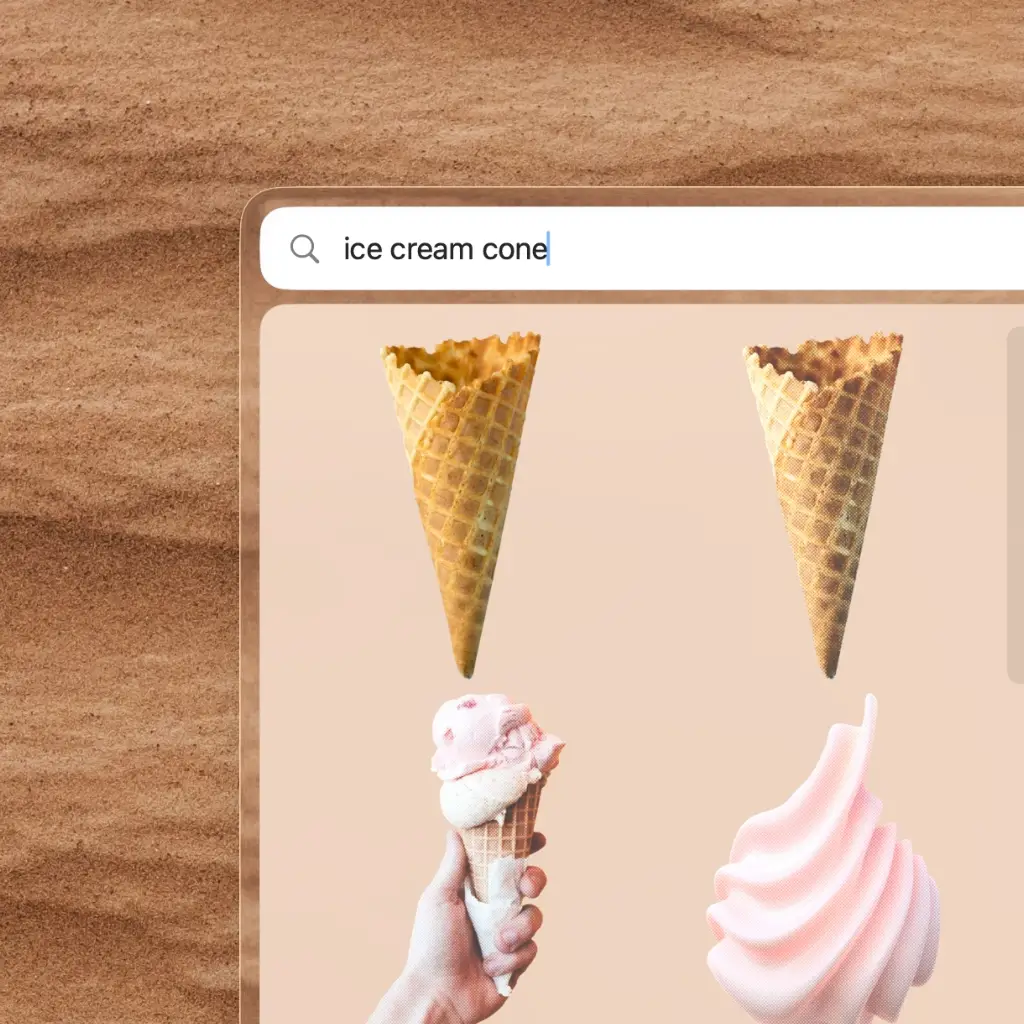

Sharkfin uses Liquid Glass to make search feel right at home on your Mac. It's transparent, layered, and responsive to what's behind it—while contrast keeps your content front and center.
When night falls, Sharkfin retreats to the shadows.
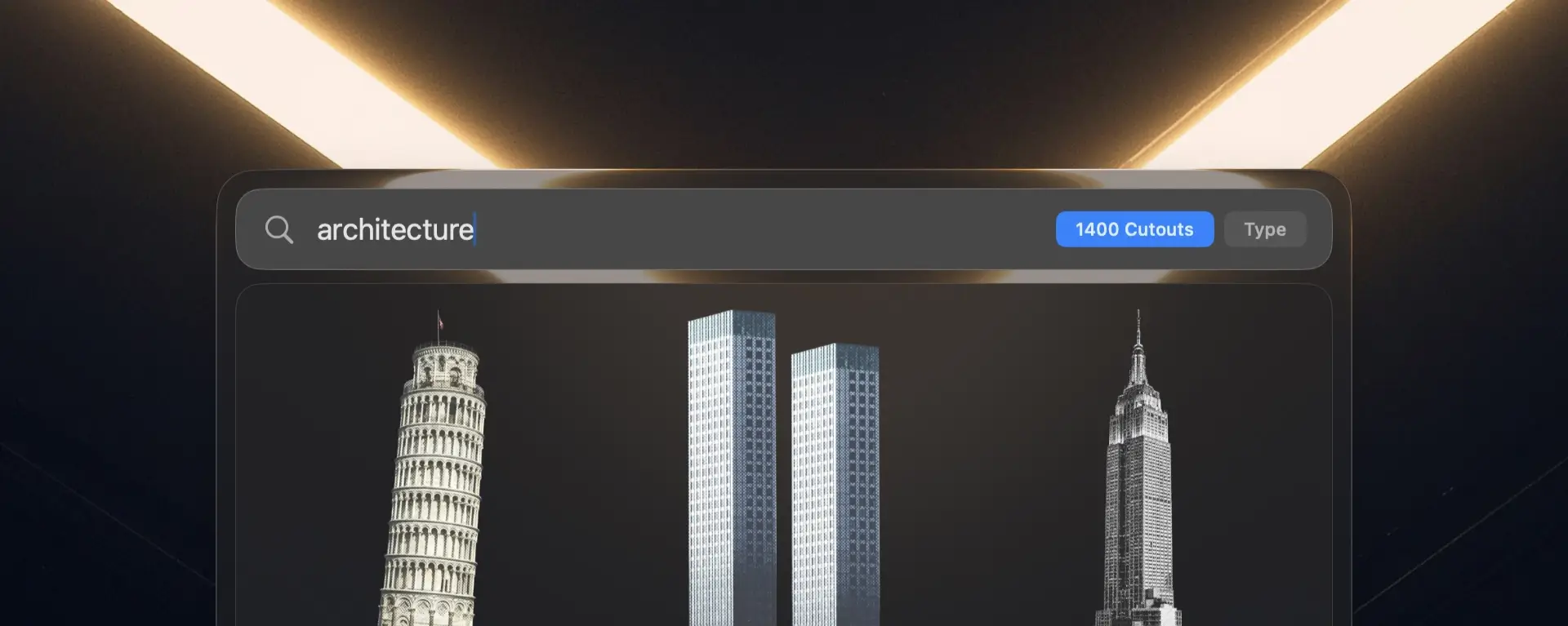
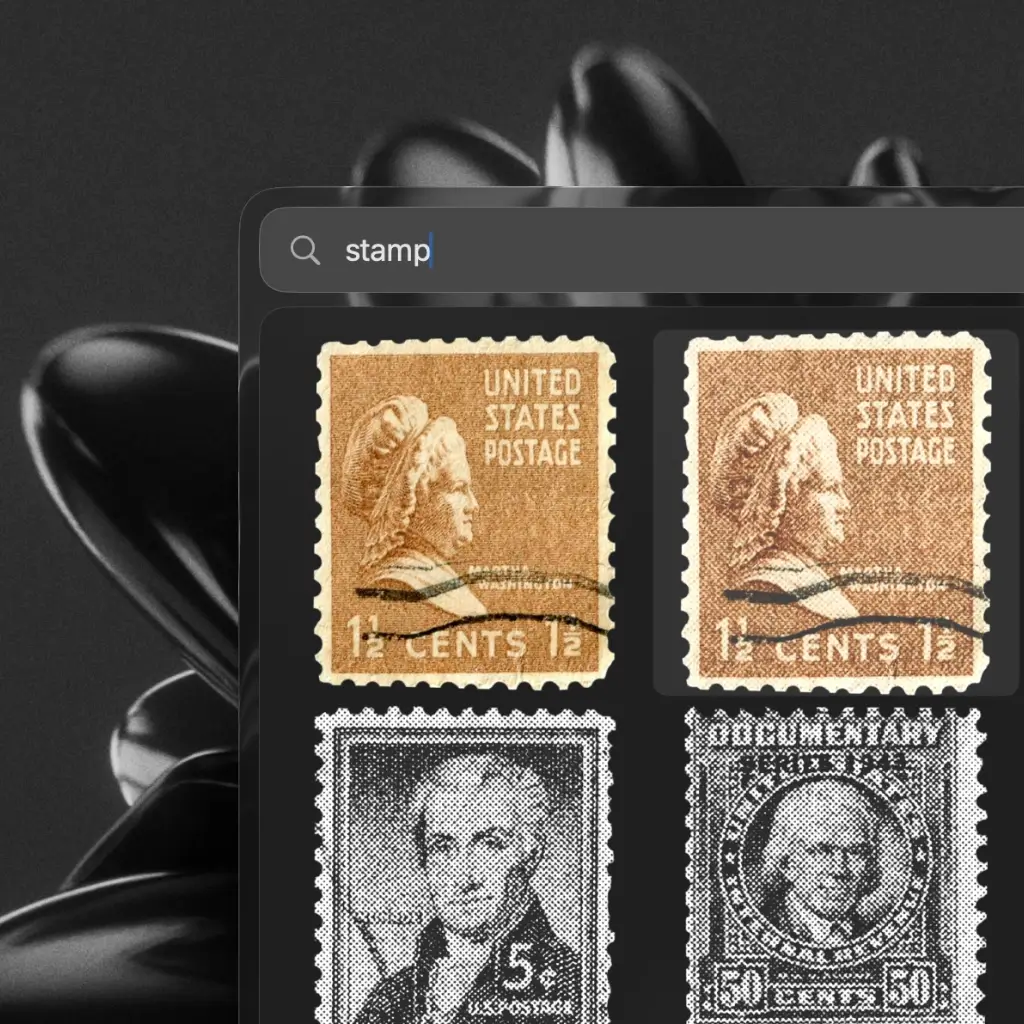
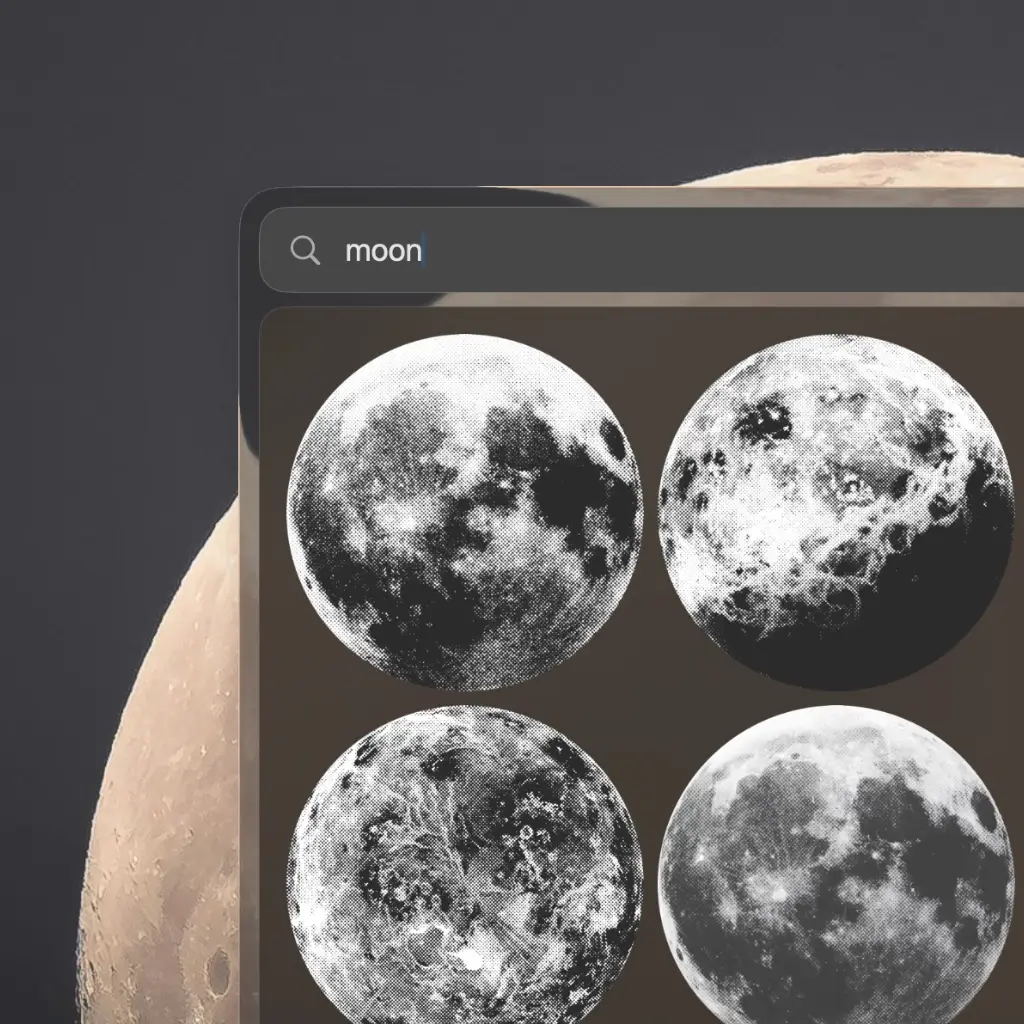
In dark mode, Sharkfin shifts to a subtle black glass, and the search bar takes on a metallic gray—so contrast stays sharp no matter the lighting.
Questions. Answers.

In all seriousness, there's no catch. Sharkfin is free and open source. If you like it, however, it'd mean a lot if you shared it with your peeps. (Just don't tell Biff—or the other Biff.)
Never. Search runs entirely on your device using CLIP models you download once. Nothing leaves your Mac — no cloud, no telemetry, no account.
I have over 20,000+ indexed images (average individual image size of ~4 MB). I can search my entire library in 10-20 milliseconds—effectively instant.
If you're curious, you can gather your own search performance metrics by enabling Debug Mode in Sharkfin's advanced settings, running a search, and then inspecting the most recent log file for info on the performance timing breakdown.
Sharkfin uses CLIP models to understand what your images look like and what you mean when you search. It converts your query and each image into embeddings, then ranks the matches by similarity — so you can search for a feeling, a scene, or a specific object.
If you're curious, I wrote up a more detailed explanation of the implementation in the project README.
Short answer: no.
There are two aspects here: indexing performance and default performance (after indexing).
Initial indexing uses the GPU, but it can take some time and might spin up your fans, depending on how many images you have and which CLIP model you've picked. In most cases, indexing is surprisingly fast (Swift, I ❤️ you) and causes no noticeable performance degradation.
In terms of day-to-day performance, Sharkfin is lightweight—0% CPU utilization and low memory overhead while in the background. Performing a search loads the CLIP model and embeddings in memory (~500 MB or so), and on machines with low RAM, these are offloaded after a delay.
macOS 26 or later on Apple Silicon or Intel. Any recent M-series Mac handles indexing and search comfortably.
Not today. Sharkfin is built natively for macOS to take full advantage of Apple Silicon. The project is open source, so if you'd like to help bring it elsewhere, pull requests are welcome.